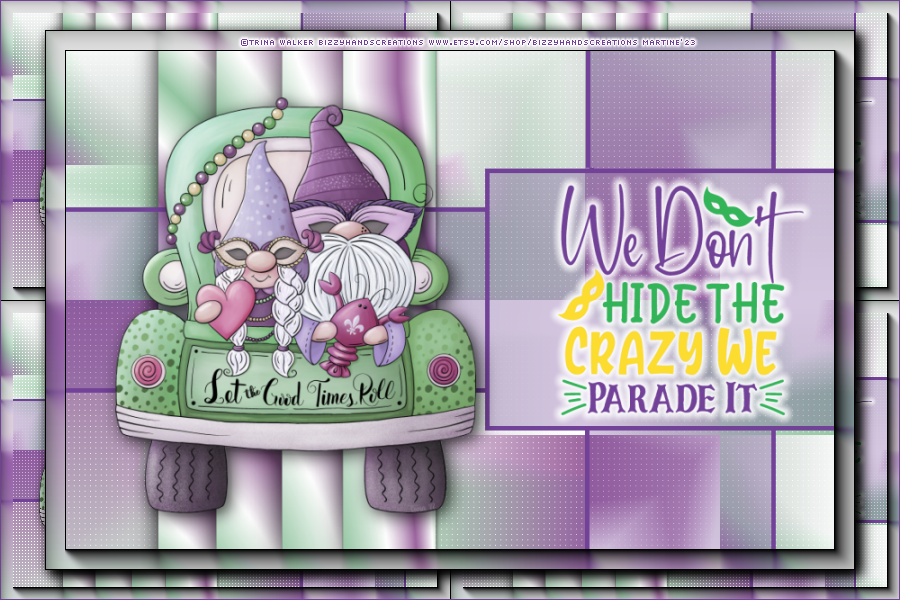
|
 |
~*~ Mardi Gras ~*~
(Version française
ici) |
|
|
 |
|
This pointing hand is here to help you.
You can drag and drop it and use it as a marker to help with following the
tutorial.
Martine

|

Tube(s) of your choice, free or not but the
credit for all the tubes must be added to your tag. I used a tube
©Trina Walker - BizzyHandsCreations -
www.etsy.com/shop/BizzyHandsCreations.
Filtres: Mehdi > Sorting Tiles
Carolaine & Sensibility > CS-LDots
Eye Candy 4000 > Gradient Glow
Material: My selections. Download
here.
Wordart : We don't hide the crazy..... from this site
FREE SVG DOWNLOAD..
Fonts: Pixelette
for the
credits.
Depending on the colors & tube you are going to use, feel free to change
the mode and opacity of the layers.
STEP 1 - Le fond
Open an image 900x600.
Fill with a gradient 3 colours : 2 colours from your tube and white - #9D669F, #FFFFFF
et #94C6A2. Angle at 45°and Repeat on 5.
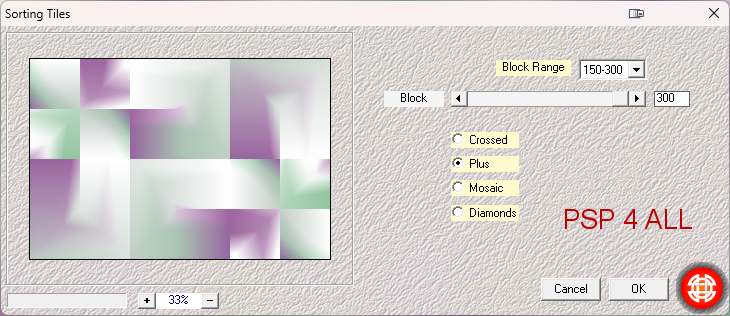
Apply Mehdi >
Sorting Tiles
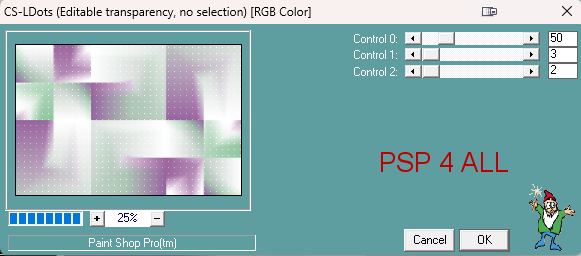
Then Carolaine & Sensibility > CS-LDots. Apply twice.
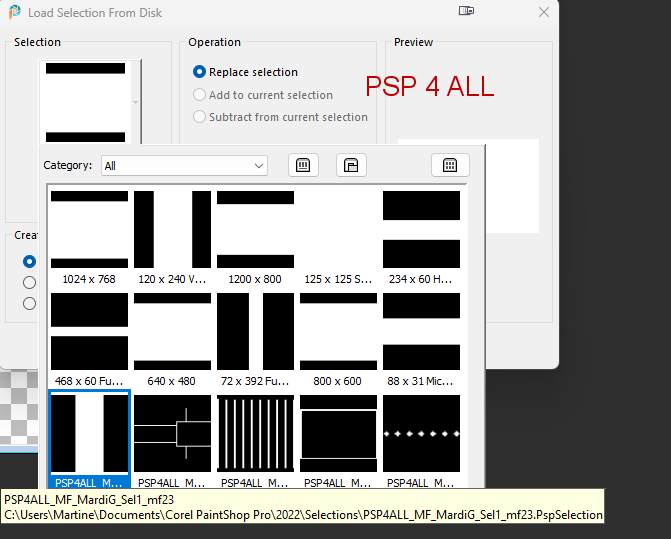
Add a layer. Click on Selections > Load/ Save Selection/Load Selection From Disk > Choose
PSP4ALL_MF_MardiG_Sel1_mf23
Fill with the same gradient.
Apply a Drop Shadow 0, 0, 100, 40.
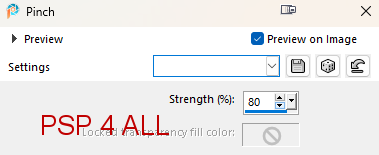
Duplicate. Distortion Effects > Pinch
Duplicate. Distortion Effects > Pinch.
Duplicate. Distortion Effects > Pinch.
Add a layer. Click on Selections >
Load/ Save Selection/Load Selection From Disk > Choose
PSP4ALL_MF_MardiG_Sel2_mf23
Fill with
#724198.
Selections > Select None.
Click inside the frames and Selections > Modify > Expand 2 pixels > Fill
with
#724198. Opacity on 30.
Selections > Select None.
Layers > Arrange > Move Down.
STEP 2 - Tube & WA
Add the tube on the left - Drop Shadow 5, 5, 75, 30 and the WA
on the right.
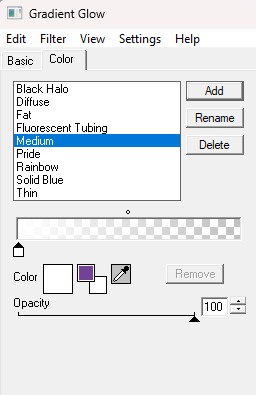
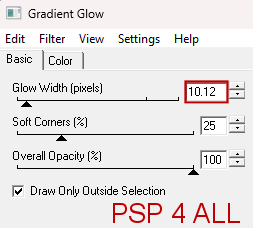
Apply Eye Candy 4000 > Gradient Glow
STEP 3
- Borders
Edit > Copy Special >Copy Merged.
Edit > Paste As New Image.
Duplicate.
Close the top layer.
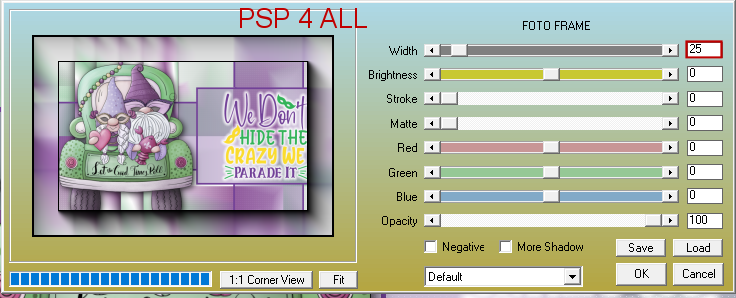
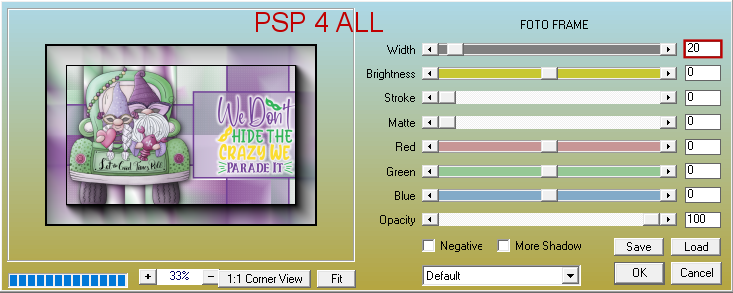
On the bottom layer, apply AAA Frames >
Foto frame
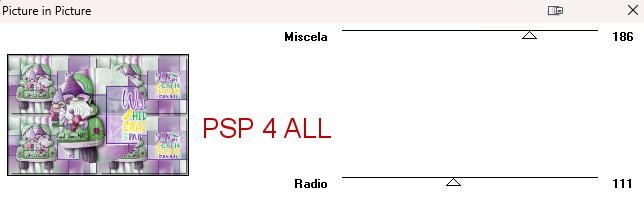
Then Italian Editors > Picture in Picture
Open the top layer.
Resize 90%.
Selections >
Select All. Selections >
Float. Selections > Defloat
Apply AAA Frames >Foto frame
Selections > Select None.
Apply a Drop Shadow 5, 5, 100, 20.
STEP 4 - Credits
Credits: with a small font like Pixelette or any other small font.
Save.
Martine
14 March 2023
If you have any questions, don't hesitate to contact me
|
|