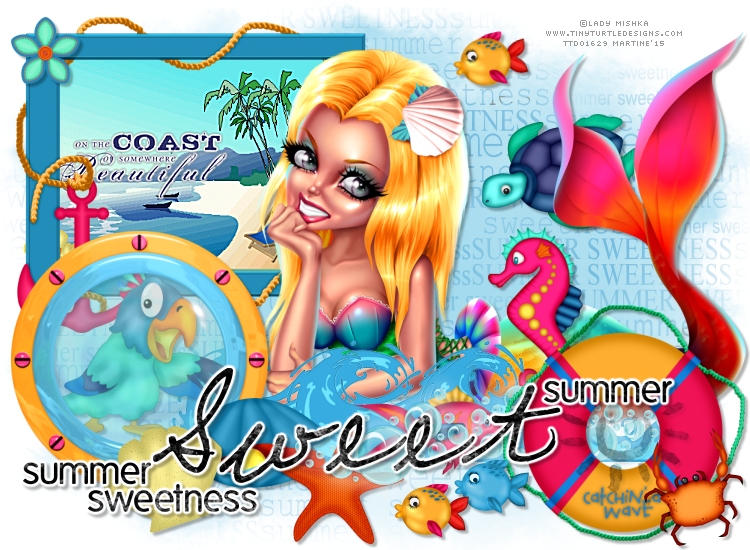
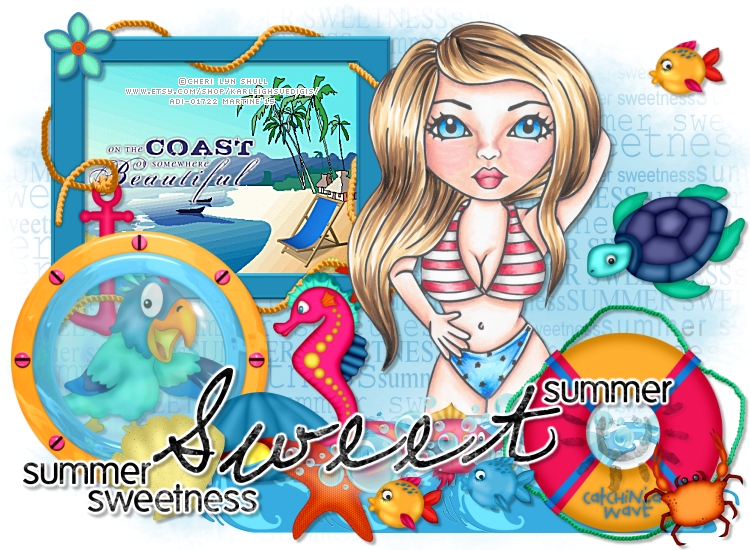
You can do pretty much what you like with your result: create signatures with name added, extras or stats, websets. Give all the credits that are required and for the tut to: Martine (link to http://chezmartine.com) for PSP 4 ALL (link to http://psp4all.com).
 Scrapkit: By The Ocean - Kittz Kreationz. Download here. Mask: Gemsmasks-192 - Gems Taggin' Scraps. Download here. Wordarts: 1. Mine - MF_SummerSweetnessWordart. Download here. 2. Summer Sweetness - Charlize Creations. Download here. Plugin: Eye Candy 4000 > Gradient Glow. Font: Pixelette for the credits. You can download my E-Book which will let you work without being connected. 
STEP 1: Mask and Wordart 1 Open an image 750x550. Fill with white. Add a layer and fill with blue #248BC6. Open gemsmasks-192 and apply. Masks > New > From image - OK. Then Masks > Delete. In PSP 8 and above, it's under Layers > New Mask Layer > From Image. OK then Layers > Delete. Set the opacity of this layer at 60%. Selections > SSelect All. Add a layer. Open my wordart MF_Summer SweetnessWordart and thenEdit > Copy. Click on yor image and then Edit > Paste into Selection. Selections > Select None. Colorize with #248BC6: Hue at 129 and Saturation at 177. Set the opacity of this layer at 60%. STEP 2: Elements and Tube I used this Drop Shadow on most of the elemnts and the tube also.
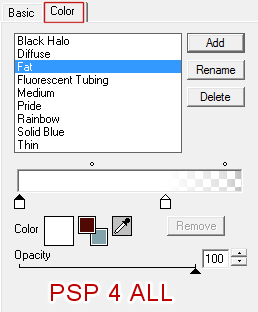
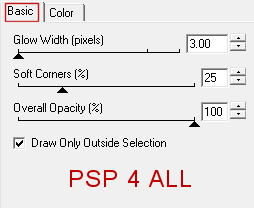
|